





Hello, I am Peyman Nasiri and I am going to explain how to download, install and launch RHEL 8 officially and legally from the Red Hat website and I hope that it will be of interest and use to you, my dears.
You have probably heard that RHEL is a very practical and professional version of Linux. Considering that it is produced and distributed by a reputable company, this company has very strong support for its products and offers its own updates if needed. It is also one of the most reliable versions of Linux available, but for the following reasons, it has become somewhat inaccessible to us Iranians. With this short tutorial, we intend to explain how all interested parties can use this version of Linux legally.
- Red Hat has imposed sanctions on our beloved country, Iran, so Iranian IPs are blocked on the company's servers, so when visiting the company's website, be sure to use the tools to fix this problem.
- Installing this version of Linux is free, but updating and installing Its repos are not free, and without these things, using a Linux version is practically pointless in my opinion. (Like the plums and lavash behind the window that are not accessible, just seeing them makes anyone's pressure drop)
- It was thought that you have no problem installing Linux and have done this many times.
- In general, the troubleshooting tools to change Iran's IP must be active and turned on on your system.
- The purpose of fixing the limitation problem is any method to change Iran's IP
If you need a strong server, Radib's economic servers will be the best choice, Click
Step One
Log in to the site https://www.redhat.com and register. When registering, you will be asked for information such as your address, zip code, and phone number. Remember that due to the sanctions, unfortunately, it is not possible to use postal details and phone numbers inside Iran. So there are two options: either you can use the postal address of friends and acquaintances abroad, which will not be a problem for registration, or you will have to work a little more. First of all, look for applications that offer you virtual numbers in the United States and Canada for a limited time. For example, get a phone number through them for 1 month (free). Secondly, create a virtual address in the US and Canada through applications available on the Internet and register on the Red Hat site using your postal details and phone number.
- Note 1: Be sure to use your real email address.
- Note 2: Be sure to use Iranian IP ban removal tools when registering. (IP bypass)
Well, all the Iranian Linux buddies, I personally welcome you on behalf of the Red Hat site. Registration is complete and you have logged in to the Red Hat site
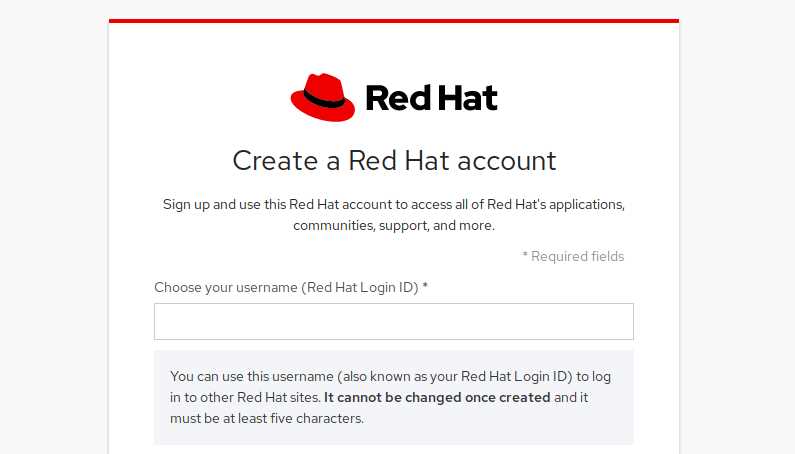
Now you can download RHEL by visiting the address https://developers.redhat.com/rhel8/. So after downloading the iso file, you need to decide whether you want to install it on your computer alone. Install as Dual Boot or install on a virtual machine. I suggest if you are installing for familiarization and your current computer has the right hardware specifications, install on a virtual machine. I suggest Oracle Virtual Box or VMWare. If you decide to install separately or Dual Boot on your computer, you need to create a Bootable USB or Bootable DVD. For this, I suggest the following methods:
- Using YUMI software
- Using Rufus software
- Using Linux commands (within the Linux environment)
Buy a cloud server from Radib, with incredible speed, Click
Start installing RHEL
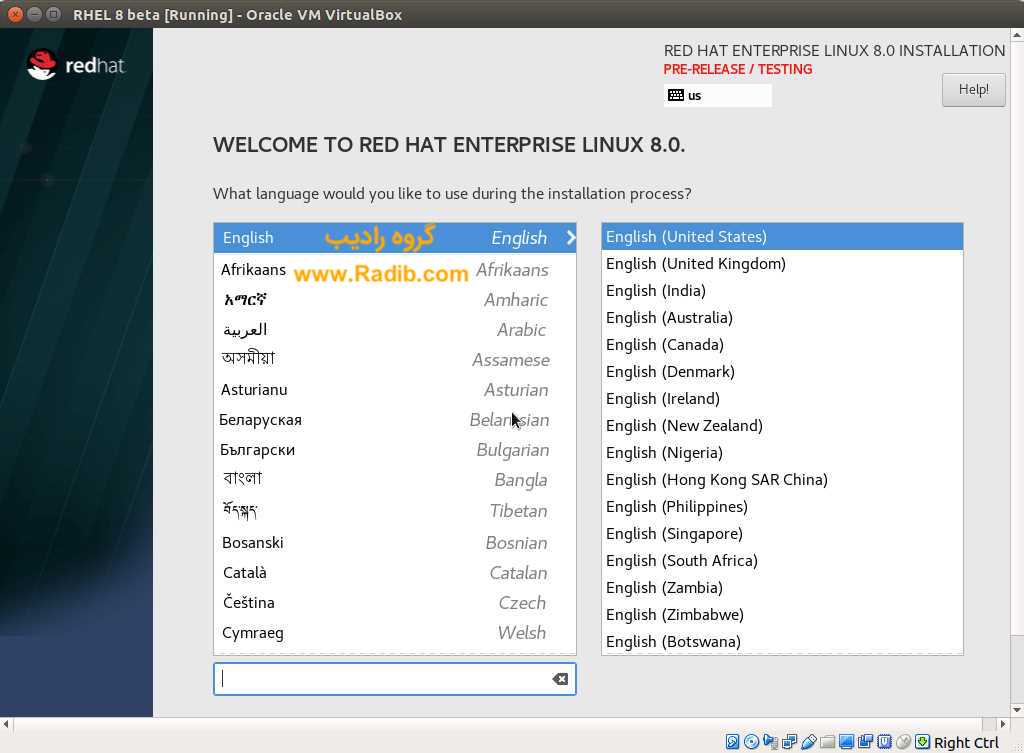
Select language:
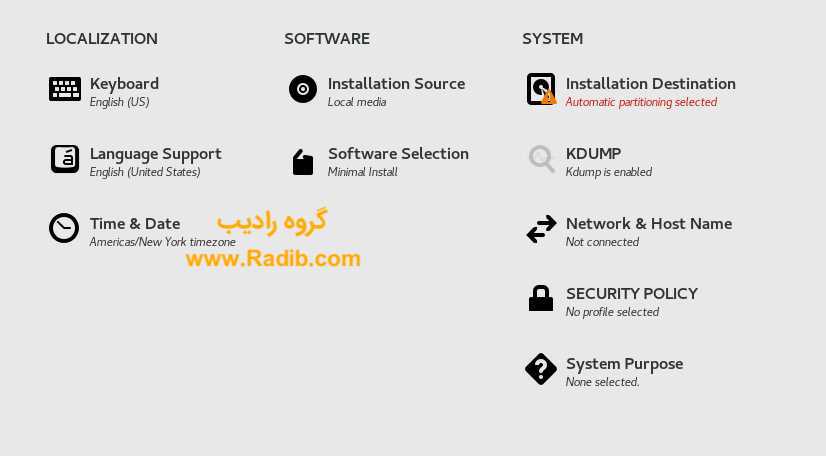
Choosing Software, System, and Localization (Very Important Step)
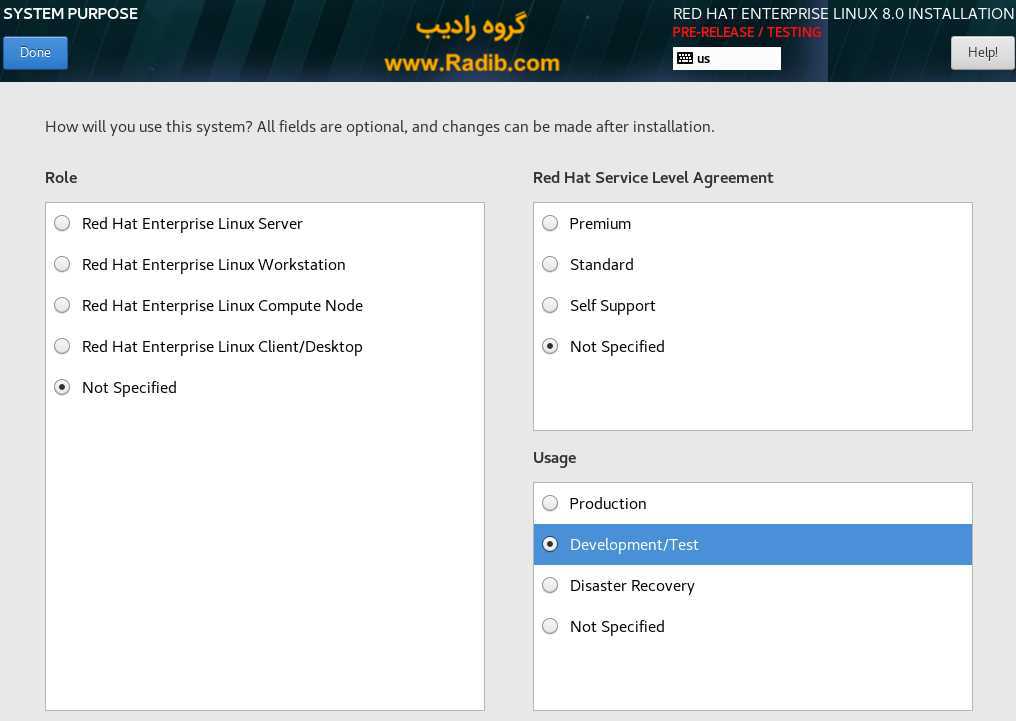
Choosing How to Use RHEL
At this stage, if you want to use RHEL for free, select the items in the system purpose section exactly as shown in the image.
The rest of the installation steps are the same as for different versions of Linux, especially CentOS. Now the installation is complete and you have entered the RHEL Linux environment.
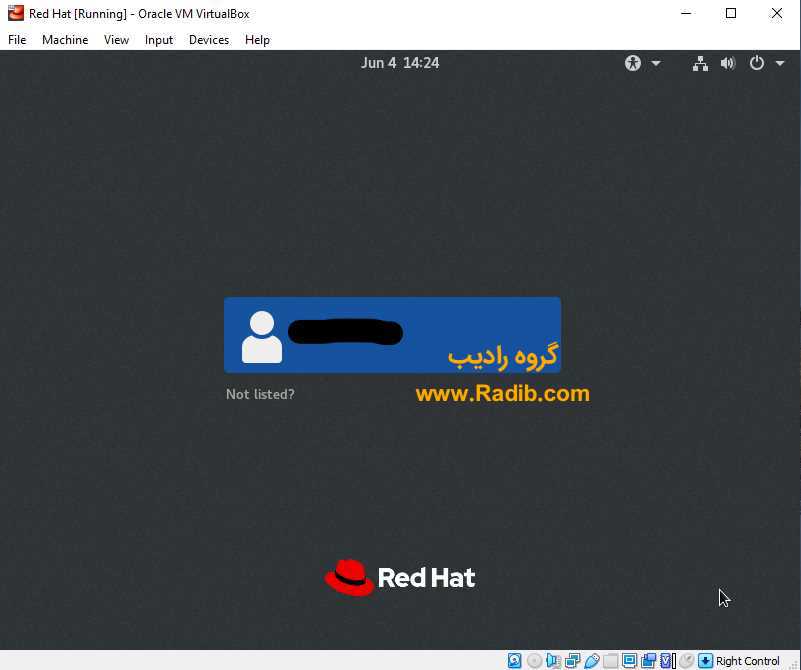
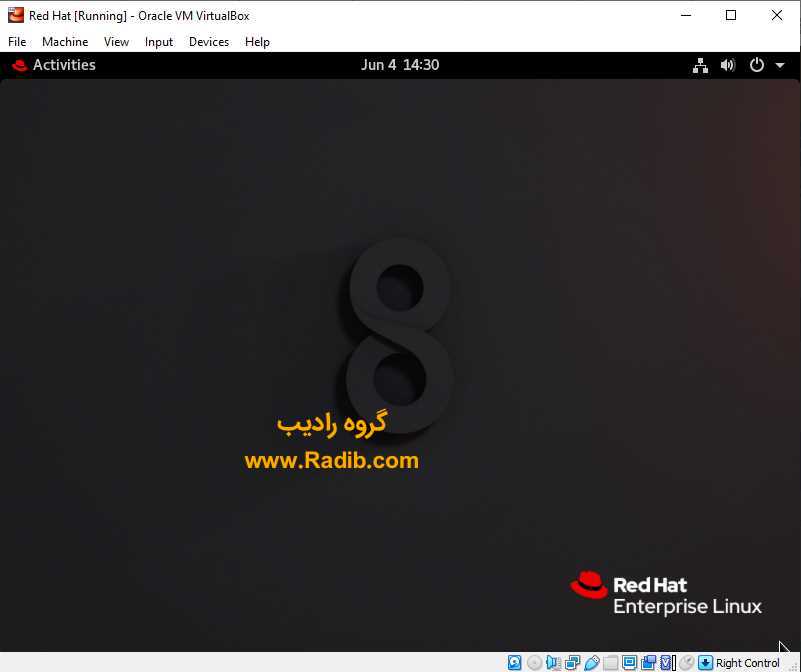
At this point, check if your network and internet connection is established, if so, check that your IP change tools are turned on.
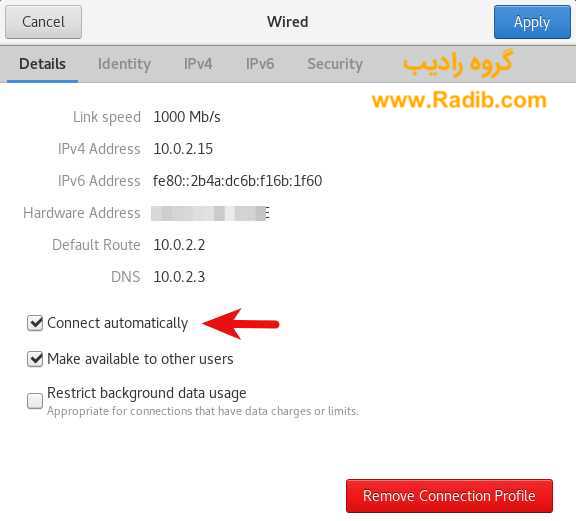
Now we need to register the installed RHEL Linux version in the Red Hat subscription management system for free.
Step One:
Log in to the Red Hat site, make sure that your registration is complete and that you have received a Subscription Number and that your account status is Active.
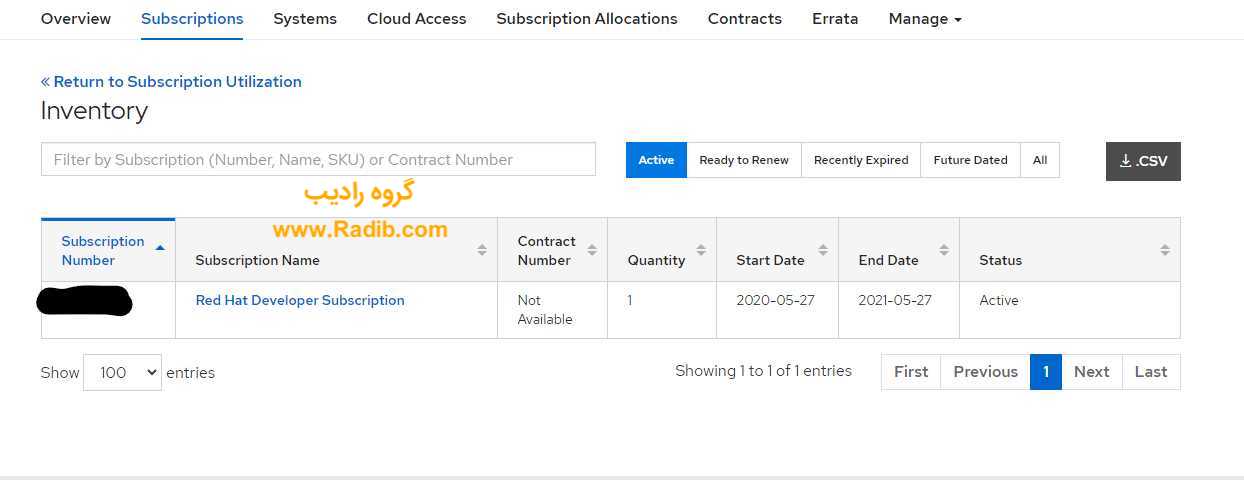
Now after entering the installed RHEL environment, enter the terminal environment and enter all the following commands:
su -
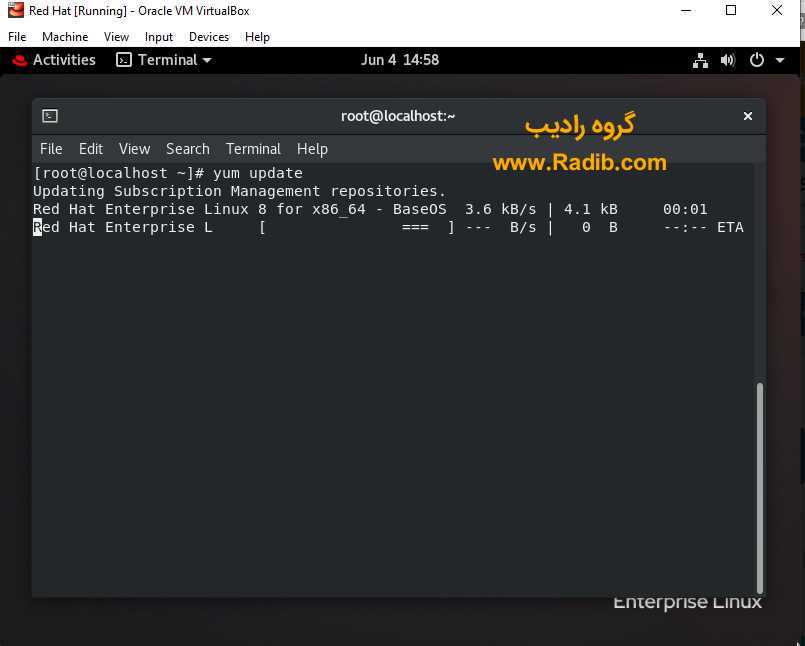
yum updateThe following message will be displayed to you:
This system is not registered to Red Hat Subscription Management. You can use subscription-manager to register.Enter the following commands to register your system legally:
subscription-manager register --username your-redhat-developer-username --password your-passwordNow two things can happen, either the system registers successfully or it gives you an error message. If you get an error message, follow the steps below:
subscription-manager role --set="Red Hat Enterprise Linux Server"subscription-manager service-level --set="Self-Support"
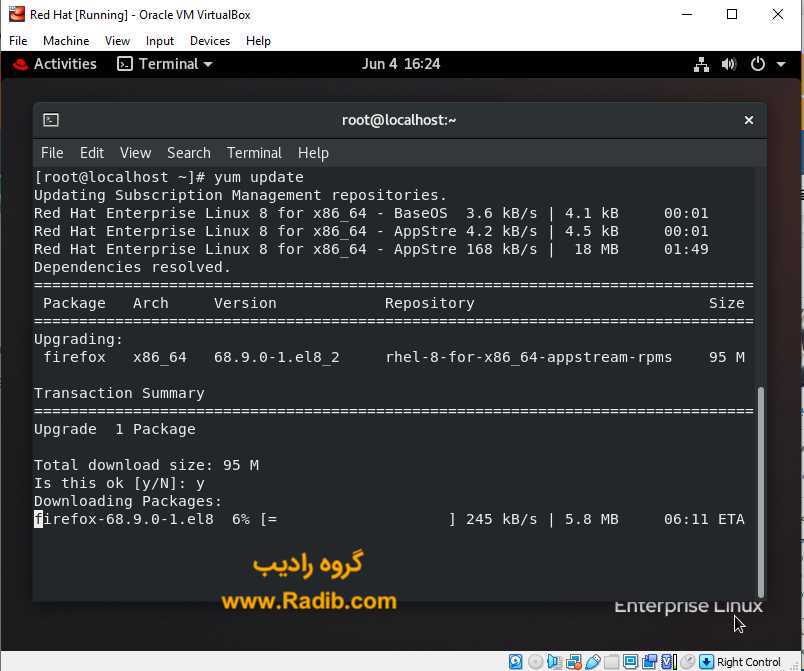
subscription-manager usage --set="Development/Test"subscription-manager attachsubscription-manager register --username <username> --password <password>After getting the confirmation, you can use the following command:
yum update
Source: Radib Group